Google My Business (GMB): The Complete Guide to Optimizing Your Local Presence

Guide to Optimizing Your Local Presence

What Is Google My Business (GMB)?

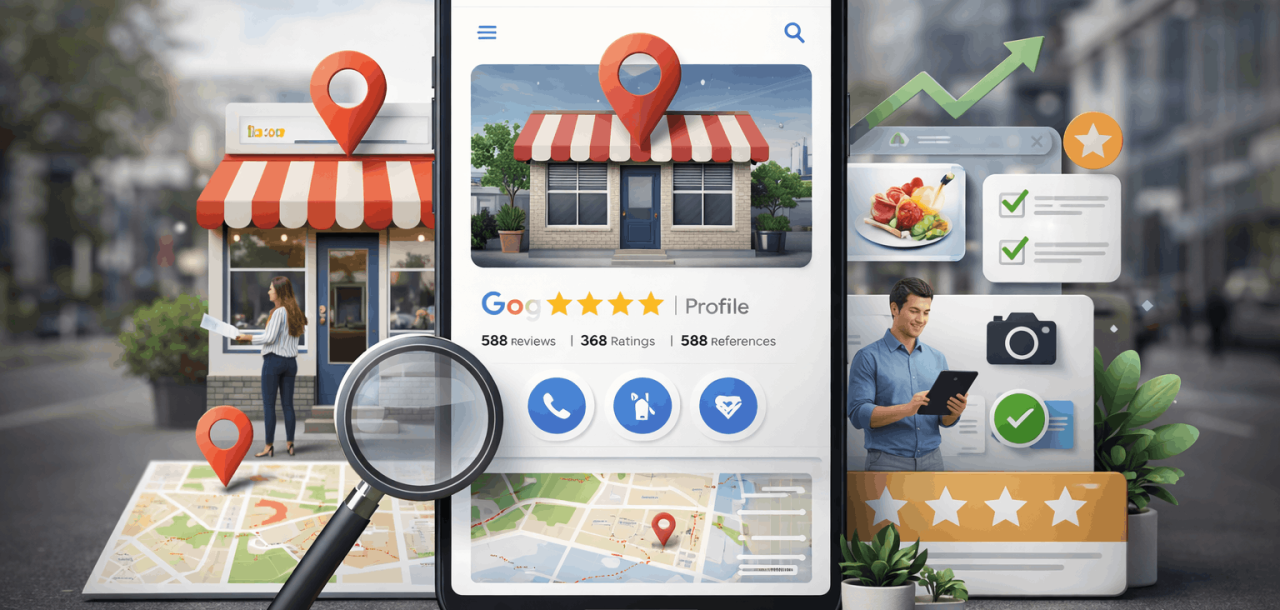
Google My Business, now officially called Google Business Profile, is a free tool that allows businesses to manage how they appear on Google Search and Google Maps.

A fully optimized Google Business Profile displays:

  • Business name, address, phone number (NAP).
  • Location on Google Maps.
  • Business hours.
  • Website link.
  • Reviews and ratings.
  • Photos and videos.
  • Services, products, and updates.

In short, GMB is the foundation of local SEO and often the first impression potential customers have of your business.

Why Google My Business Is So Important

Google prioritizes local intent searches, such as:

  • “restaurant near me”
  • “plumber in Dubai”
  • “best dentist in London”

For these searches, Google displays the Local Pack (map + top 3 listings).

A well-optimized Google Business Profile dramatically increases your chances of appearing there.

Key Benefits

  • Increased visibility in local search results.
  • Higher trust through reviews and photos.
  • More website visits, calls, and direction requests.
  • Stronger brand credibility.
  • Competitive advantage over unoptimized businesses.

Businesses with complete profiles are 2.7x more likely to be considered reputable by users.

How to Optimize Your Google Business Profile (Step-by-Step)

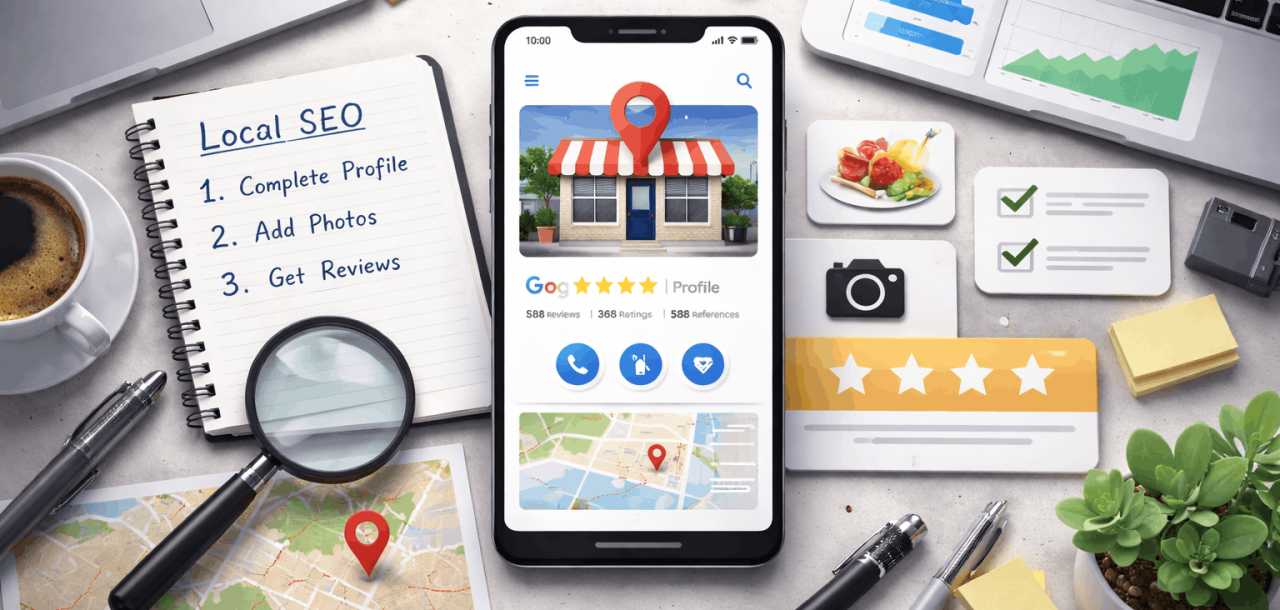
1. Complete Every Profile Section

Google rewards completeness. Ensure you fill out:

  • Business name (no keyword stuffing)
  • Accurate address & phone number
  • Primary and secondary categories
  • Business description (use local keywords naturally)
  • Attributes (e.g., wheelchair accessible, free Wi-Fi)

Tip: Your primary category has the most significant ranking impact.

2. Write a Local SEO-Optimized Business Description

Use up to 750 characters to explain:

  • What you do
  • Who you serve
  • Your location
  • Your key services/products

Example: “We are a family-owned Italian restaurant in Downtown Dubai specializing in handmade pasta, wood-fired pizza, and private events.”

3. Upload High-Quality Photos & Videos

Profiles with photos receive more direction requests and more website clicks

Upload:

  • Logo & cover photo
  • Interior & exterior photos
  • Team photos
  • Product or service photos
  • Short videos (optional but powerful)

Fresh uploads signal active business management to Google.

4. Use Google Posts Regularly

Google Posts function like mini-ads within your listing.

You can post:

  • Offers & promotions
  • Events
  • Announcements
  • Blog links
  • Seasonal updates

Post at least once per week for best engagement.

How to Optimize Your Google Business Profile

Using GMB Features for Different Types of Businesses

Local Stores & Retail Businesses

  • Enable Products
  • Add pricing and descriptions
  • Highlight offers
  • Upload product photos
  • Encourage reviews mentioning product names

Restaurants & Cafés

  • Add menus
  • Enable online ordering
  • Use food photography
  • Post daily specials
  • Encourage photo reviews from customers

Service-Based Businesses (Plumbers, Agencies, Consultants)

  • Define service areas clearly
  • List individual services with descriptions
  • Enable messaging
  • Collect keyword-rich reviews (e.g., “emergency plumbing service”)

Multi-Location Businesses

  • Create separate listings per location
  • Maintain consistent branding
  • Use location-specific posts and photos
  • Centralize management using bulk tools

How to Increase Visibility in Local Search

1. Get More (and Better) Reviews

Reviews are a major ranking factor for local results.

Best practices:

  • Ask customers directly
  • Respond to all reviews (positive & negative)
  • Include service/location keywords naturally in replies

Quantity + quality + recency = ranking power

2. Ensure NAP Consistency

Your:

  • Name
  • Address
  • Phone number

Must be identical across:

  • Website
  • Directories
  • Social profiles
  • Local citations

Inconsistencies confuse Google and hurt rankings.

3. Use Local Keywords Strategically

Add city, neighborhood, or service-area keywords in:

  • Business description
  • Services
  • Posts
  • Review responses

Avoid spammy keyword stuffing; Google penalizes it.

4. Track Performance with Insights

Google Business Profile Insights shows:

  • Search queries
  • Profile views
  • Calls
  • Direction requests
  • Photo views

Use this data to refine:

  • Posting strategy
  • Keywords
  • Photos
  • Offers

Common GMB Mistakes to Avoid

  • Keyword-stuffing business name
  • Using fake addresses
  • Ignoring reviews
  • Infrequent updates
  • Low-quality or stock photos
  • Wrong business category

These mistakes can reduce visibility or even cause suspension.

Final Thoughts: Why GMB Is Essential for Every Business

Google Business Profile is no longer optional; it’s critical.

Whether you’re a startup, local shop, restaurant, or enterprise brand, GMB:

If local customers matter to your business, GMB must be fully optimized and actively managed.

Blogs

Read more Blogs

Ready to grow with intention and performance in mind

We design solutions that move you forward, and deliver measurable impact.